
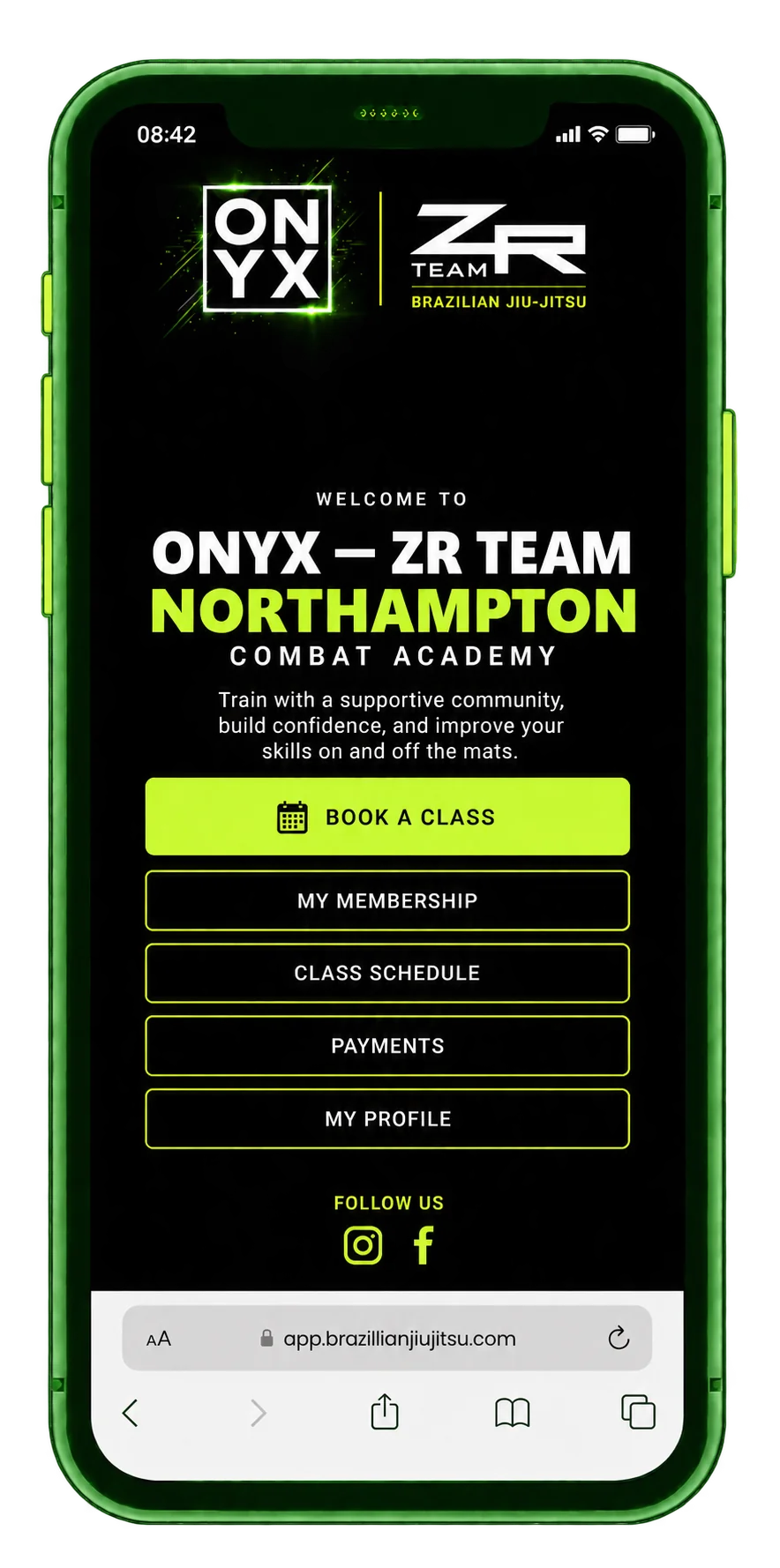
iPhone · Safari
Add to your home screen
- Open the member app in Safari.
- Tap the Share button. If needed, open the browser menu first.
- Choose Add to Home Screen. Keep Open as Web App switched on if shown.
- Tap Add, then open the ZR Team icon.
If Add to Home Screen is missing, scroll through the share actions or choose Edit Actions.